


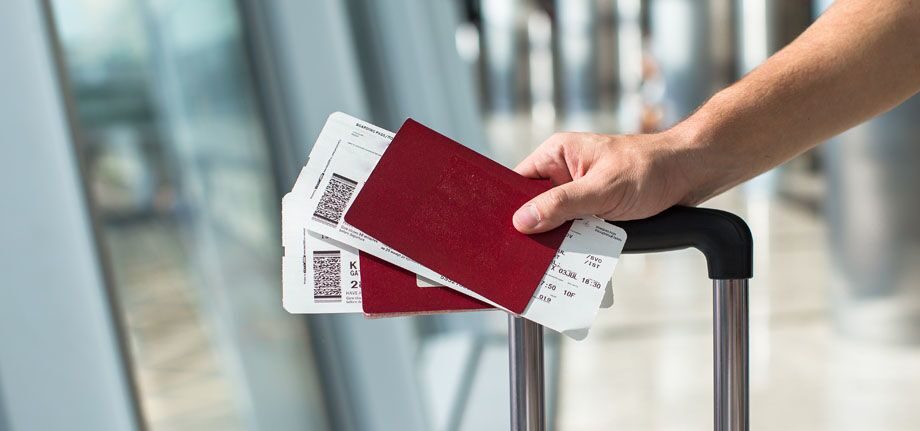
The boarding pass is the document that every Singapore Airlines passenger must carry on the day of their flight. It is issued upon check-in and contains the basic information needed to board the aircraft: the cardholder, boarding gate, flight number, seat, and boarding time.
Print the boarding pass
You can use the mixed mode, which means you check in from a regular computer with an internet connection, choose your seat, and request that the boarding code be sent to your smartphone. However, you should know that the Singapore Airlines mobile app allows you to do everything from your phone.
To do this, you must enter your phone number on the website or mobile app. Within seconds, you will receive a free SMS containing a web address from which you can download the access code. Simply click on the code and it will appear along with the flight’s boarding information.
At this point, you will have the option to download your document in PDF format or print it on paper.
Downloading your boarding pass online
If you choose this method of obtaining your boarding pass, which involves doing the process online, once you arrive at the access control at the boarding gate of your departure airport, you will be surprised to find that you will not have to give any explanation to the security agent; they will simply ask you to place your smartphone screen in front of a tiny scanner located at the entrance. You will just have to make sure that your phone screen is turned on to facilitate reading.
Gate access is similar, with a small scanner over which you can swipe your phone, and it immediately registers your data. No additional checks were required to access the aircraft.
Mobile Boarding Pass
Is your Singapore Airlines flight coming up soon? You’ve probably heard about check-in and need to get your boarding pass.
Good news, Singapore Airlines offers a mobile check-in service that allows you to have your boarding pass on your smartphone.
So, arriving at the airport without papers and with just something resembling a barcode printed on a screen is no longer a strange experience. Here’s how the process works:
Until now, many passengers rely entirely on a paper pass to board a flight. This requires arriving at the airport with enough time to obtain it or printing it at home or the office, which requires being near a computer and printer at some point during the day.
The new method allows you to use your mobile phone to complete the entire process or combine it with your computer to use it as a physical boarding pass. To do this, your mobile phone must have internet access.
Save your boarding pass to Apple Wallet
With the Singapore Airlines app, available on the Apple Store and Google Play, you can book your flights, check in, and the app will then issue your boarding pass online.
If you’re checking in on an iPhone, you can store your travel document in Apple Wallet and then access your boarding pass without even needing an internet connection.